From media file to intelligence
This page is the conceptual path through the product. Your exact settings and build features may vary; use it to understand how analysis, .vtag sidecars and semantic file search connect in a local-first workflow.
At a glance
Step 1: Import media
Add folders and files: images, video, audio and any accompanying technical metadata the suite can read. The goal is a manageable queue, not a one-button cloud import.
Step 2: Analyse locally
Processing runs on your Windows machine under your account. That is the local-first default: the asset stays where you put it, and the analysis comes to the file.
Step 3: AI models extract signals
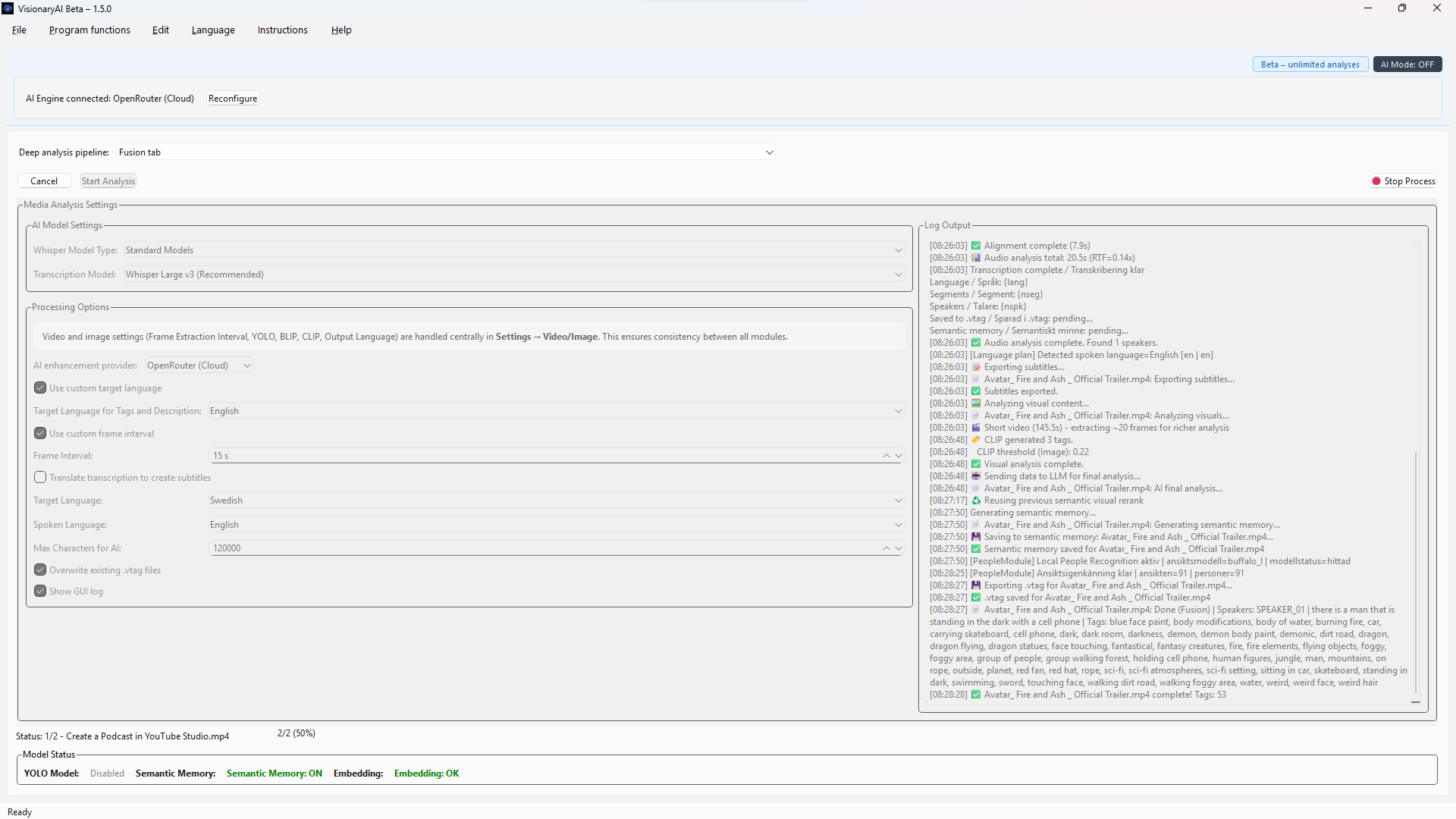
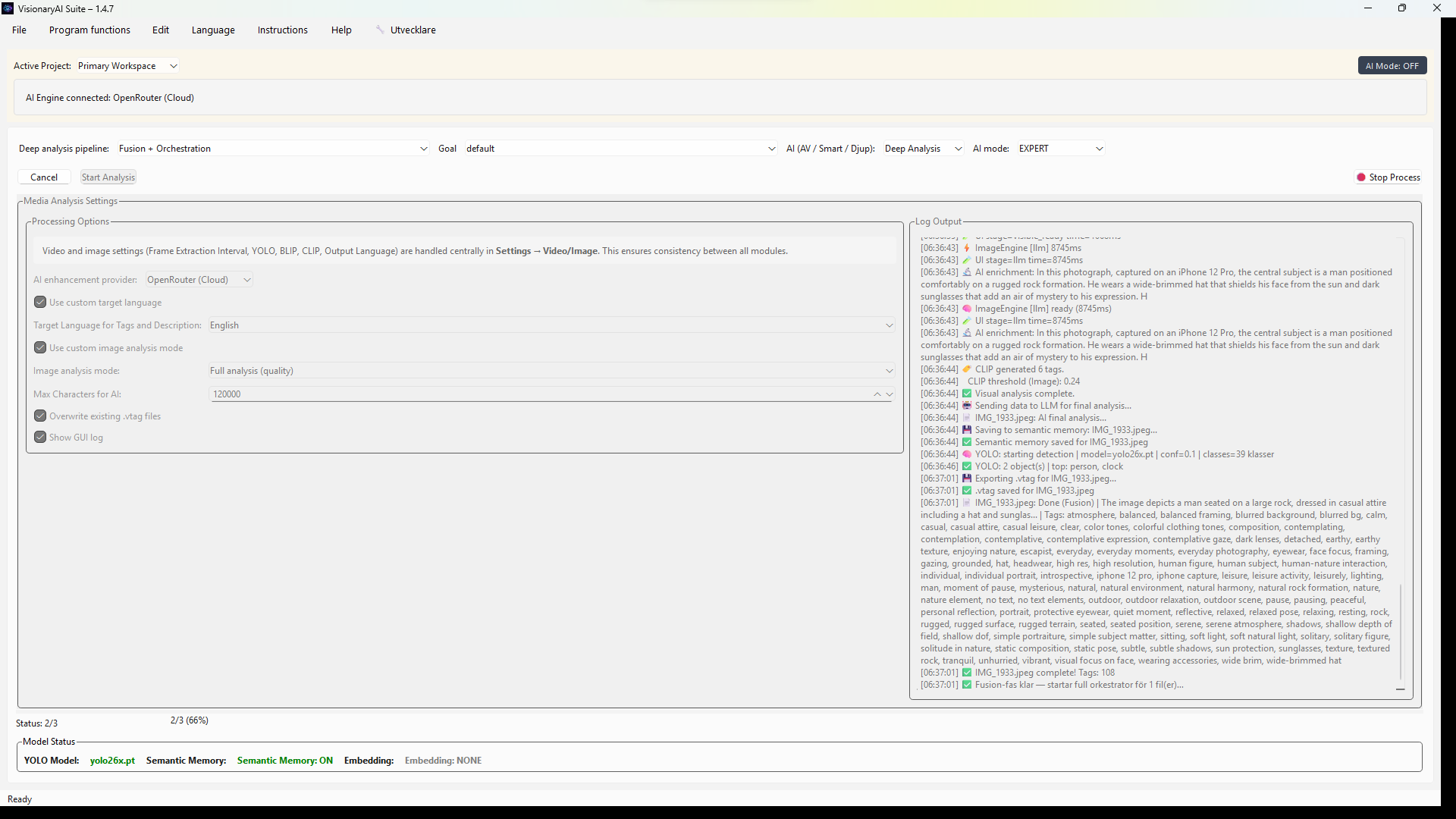
Depending on your configuration, models can produce labels, detections, transcription, OCR, confidence scores, and engine metadata (which model, which version) for traceability in the archive.
Step 4: Results are fused
The suite merges outputs into a single structured record for each file — one coherent object rather than a pile of ad hoc logs — ready for the next step.
Step 5: .vtag is saved
That record is written as a sidecar next to the media, typically a JSON file with the .vtag convention. The filename relationship is predictable, which matters for tools that watch folders.
Step 6: Search and reuse
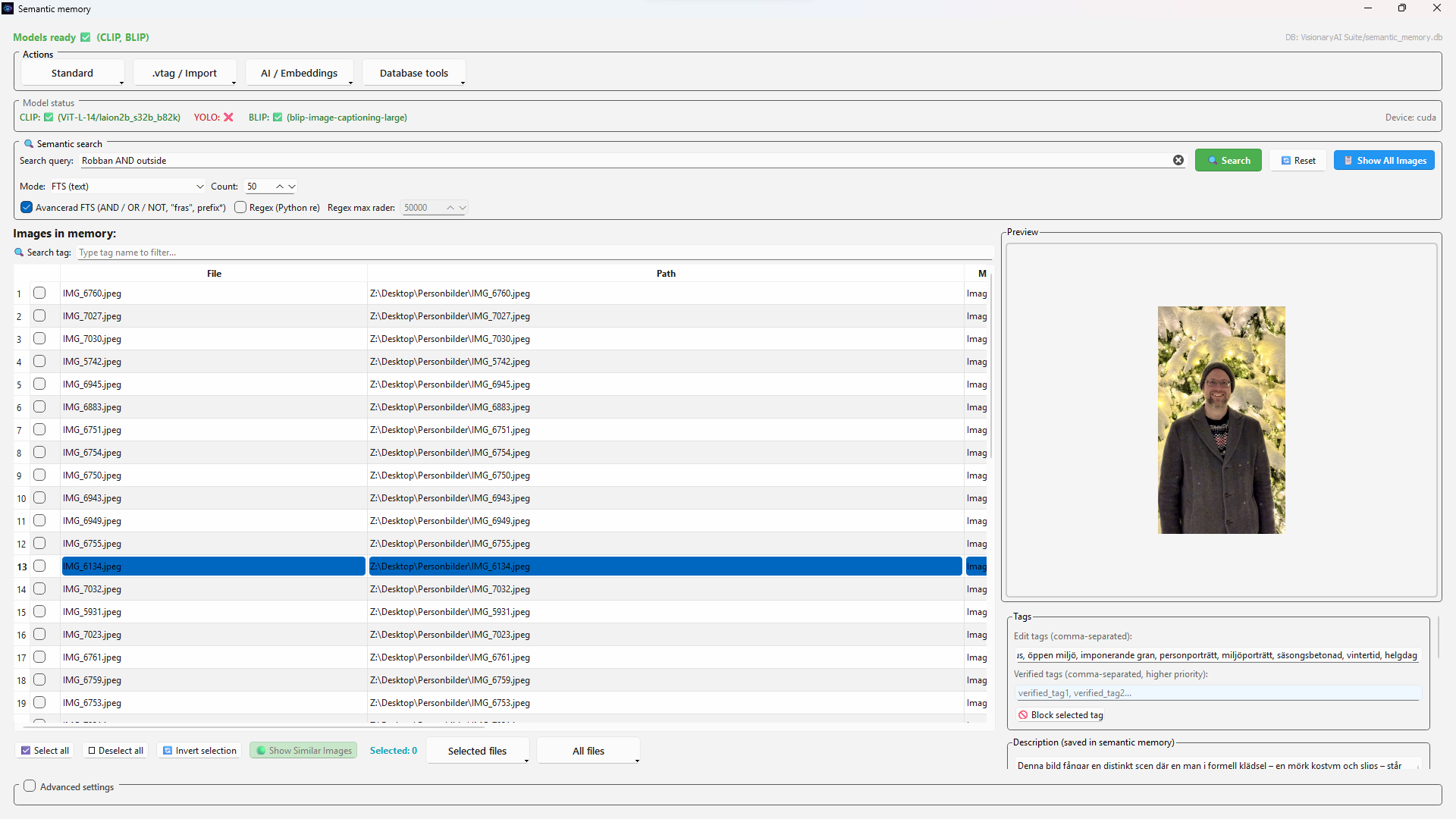
Catalog applications (including NeoFinder in documented workflows), custom search engines, or your own ETL can read the same files from disk. You are not locked to a single vendor's database to access your AI output.
How it looks in the product
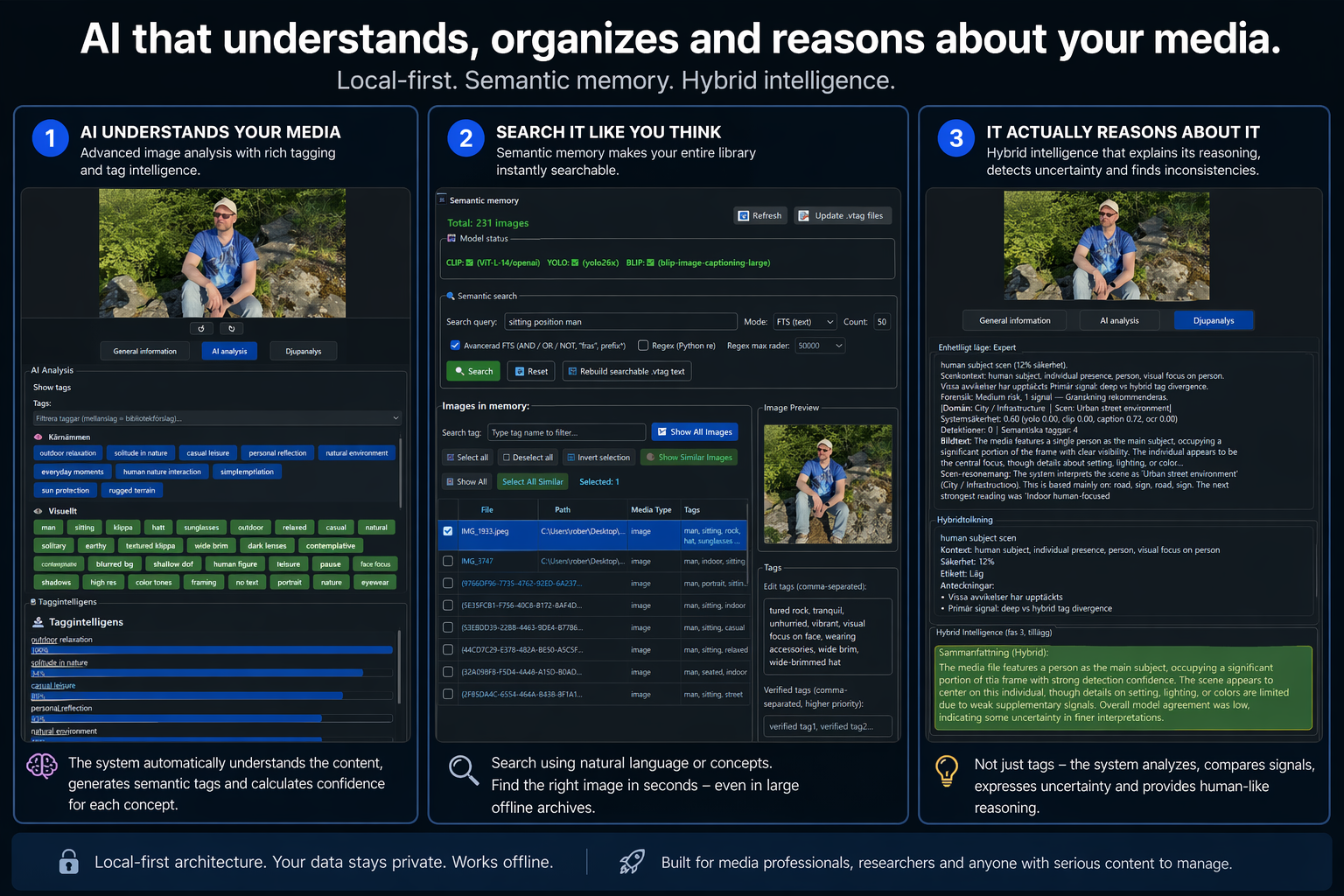
Product overview plus real screens from local runs — analysis, semantic memory, and structured metadata beside your files.